
How to Setup Two-Factor Authentication on Your Hosting Account?
Step 1:
From the Client Area, navigate to Hello, Name! > Security Settings.
Step 2:
Click "Click here to Enable".

Step 3:
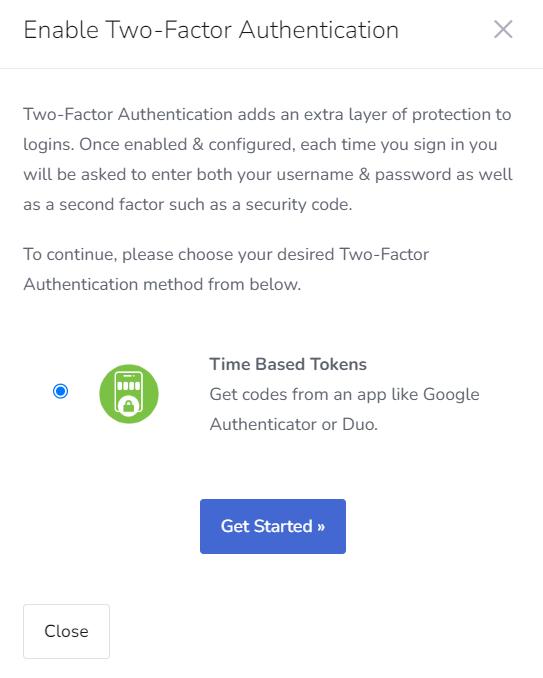
Select Time-Based Tokens > Get Started
Step 4:
Scan the QR code with an authenticator app such as Google Authenticator or Duo Mobile.
Step 5:
Enter the 6-digit code that the authenticator app generates.

Step 6:
- Click Submit.
- Record the Backup Code in a safe place.
- Click Close.

Two-factor authentication is now set up for your account and will be required when you login in the future.
Thank You
